Category: tech

  • Before Letting AI Into Your Home, Check This

    Before Letting AI Into Your Home, Check This

    Ask an AI chatbot for three dinners using chickpeas, rice and whatever vegetables are left in the fridge. Name a UK supermarket if you want a practical shopping list. Just don’t upload a photograph of the kitchen noticeboard while you’re at it.

    It’s a sensible first test: useful if it works, harmless if it suggests something revolting. Before you move on to family plans or connected devices, run through these checks. You need no technical experience; allow about 20 minutes for the first pass.
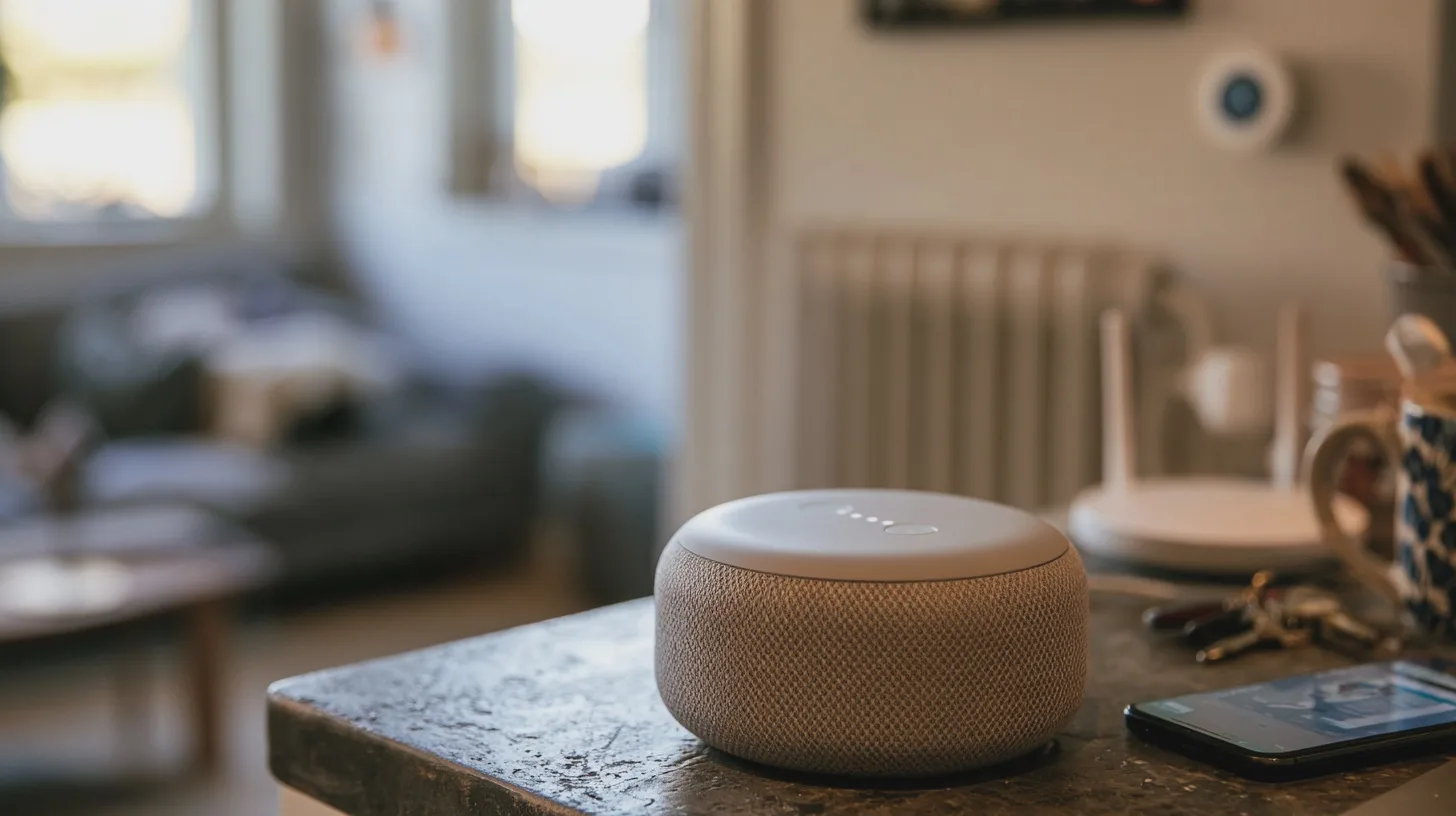
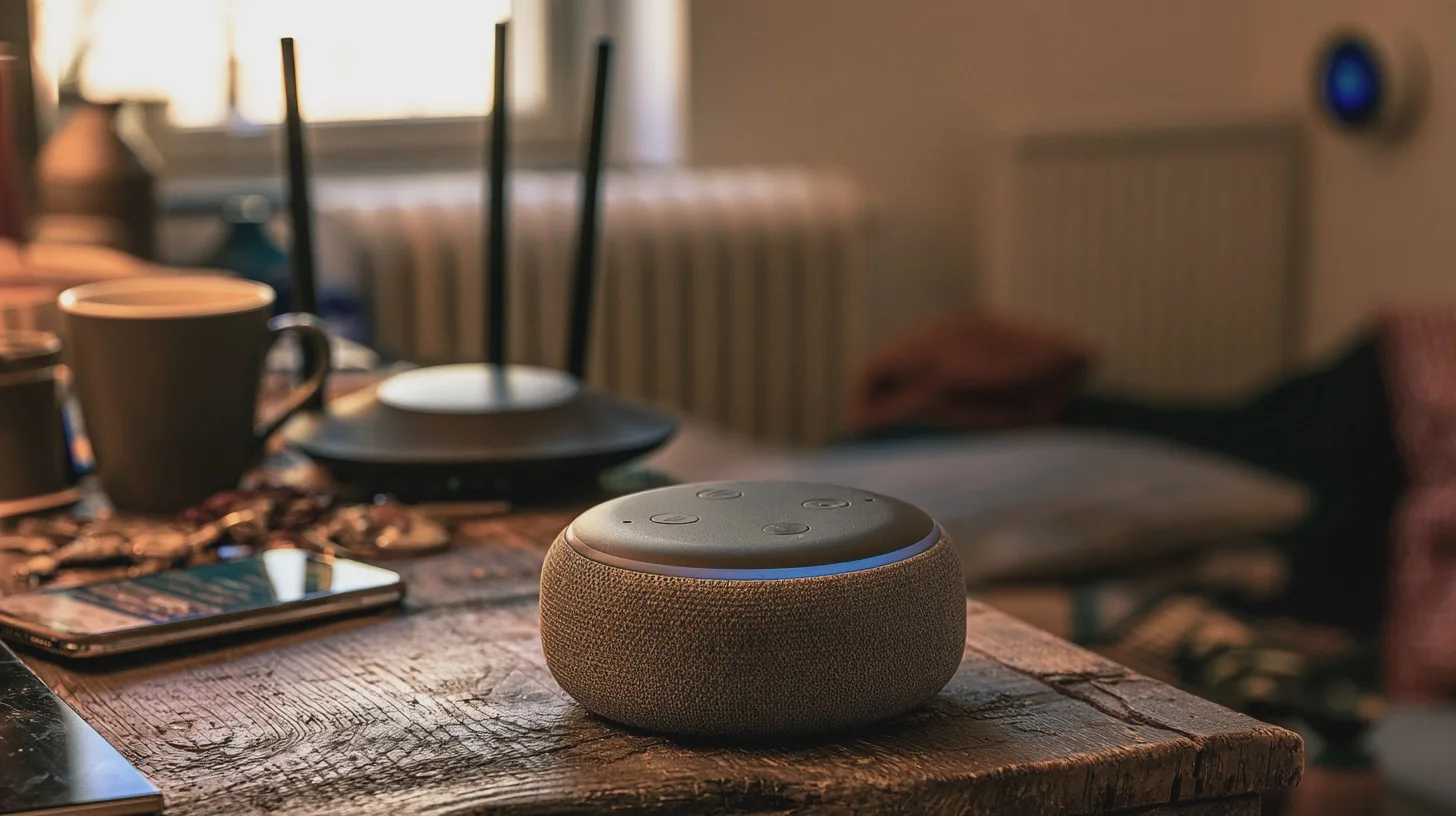
    Your new AI helper can plan dinner, but sharing family details or handing it the heating controls could turn convenience into a nuisance. Check first.

    Start with dinner, not your life story

    • Choose a tool you can identify. Start with an established service such as Google Gemini, available in the UK, rather than a chatbot promoted through a mystery download. Find its official website or app listing, the company behind it, its privacy notice and a way to manage your account. If you have to hunt for those, move on. A reputation is a reason to inspect a service, not a promise it will never mishandle data.
    • Give it a small, fictional brief. Try: ‘Suggest four vegetarian dinners for two adults, using ingredients commonly sold in UK supermarkets.’ Artificial intelligence, or AI, is software that produces an answer from your instructions; it is not a neighbour who needs to know your routine. See whether the suggestions are usable. If the shopping list calls for six jars of saffron, you have learned something without losing anything more valuable than five minutes.
    • Put payment on probation. Start with the free option, if one is offered. A paid version might offer higher usage limits or particular features, though the offer varies by service. Identify the job you cannot do on the free version, check the current UK price and cancellation terms on the provider’s checkout page, then decide. Paying does not, on its own, buy confidentiality or better judgement. For occasional recipes and draft messages, the upgrade may solve a problem you do not have.

    Find out what happens to your chats

    • Inspect three separate controls. Look for privacy information, conversation history — the list of chats saved to your account — and model-training settings. ‘Training’ means using data to improve the system that generates answers. Find out whether your prompts may be used for that purpose, whether you can opt out, and whether a temporary chat is available. These may not be the same switch. Allow about ten minutes to read the settings and the provider’s explanation before entering anything personal.
    • Read the deletion terms, not just the button. Storage periods and settings vary between services and can change. Google’s Gemini privacy information, for example, says some chats are retained temporarily even when activity saving is switched off, and that deleting activity does not remove certain material already reviewed by people. That does not describe every chatbot. It does show why ‘delete chat’ should not be taken to mean ‘every copy vanished immediately’.
    • Keep the family out of the prompt. Do not type names, addresses, children’s details, passwords or identifiable family stories into an everyday chatbot. Leave out school names, appointments and photographs that show where you live. You can still ask, ‘Draft a polite note about changing a weekend plan’, then add the real details yourself afterwards. UK data protection law places obligations on organisations; it does not guarantee privacy for everything a household user chooses to submit.

    Deleting a chat does not necessarily mean its data has already disappeared.

    Check the doors you’ve opened

    • Review permissions on your phone or computer. A permission lets an app use something such as your microphone, camera or location. Open the device’s app settings and turn off access the AI tool does not need for your chosen task. Dinner suggestions do not require your contacts. If you want to dictate a question later, you can enable the microphone then. This takes a few minutes and no specialist knowledge.
    • Inspect connected accounts separately. A connected account lets a tool reach another service, potentially including email, calendar or files. Check the AI service’s connections page alongside your Google, Microsoft or other account settings. Disconnect anything you do not recognise or no longer use. Before approving a new connection, ask what the tool could read, change or send. Access to the family calendar is a rather bigger decision than asking what to cook on Thursday.
    • Verify answers with consequences. AI can make a wrong answer sound reassuringly tidy. Which? found UK-specific weaknesses when testing chatbots on money questions; Ofcom’s research also describes inaccurate answers and unreliable links. If it’s about medication, check NHS guidance or ask a pharmacist. For tax, use HMRC; for benefits, GOV.UK. Open the original page yourself and check its date. An AI summary can help you frame the question, but it should not have the last word on your health, money or safety.

    Keep your hand on the thermostat

    • Separate suggestions from actions. Asking AI to suggest a heating schedule is different from letting it change the thermostat. The same applies to lights, cameras, locks and any other smart-home automation — a rule that makes a device act automatically. Leave AI disconnected from household controls while you are still learning what it can do. You do not need an experimental assistant setting the house to 16°C because it misunderstood ‘save energy’.
    • Test the escape route before any connection. If you do choose an automation, identify which account authorises it, which devices it can operate and whether it needs your approval before acting. Locate the physical controls and the app’s manual override. Check how to pause the rule and revoke access. Try the override while you are at home and nothing important depends on the result. Allow 15–20 minutes and follow the device maker’s instructions; if you cannot explain how to stop it, do not turn it on.
    • Keep the underlying devices secure. The National Cyber Security Centre advises keeping smart devices updated, using two-step verification where available — an extra sign-in check alongside your password — and switching off remote access if you do not need it. That matters whether or not AI is involved. AI at home earns its place when it saves you a chore while leaving you able to see, question and reverse what happens next.
    before-letting-ai-into-your-home-check-this_INS2_MJ

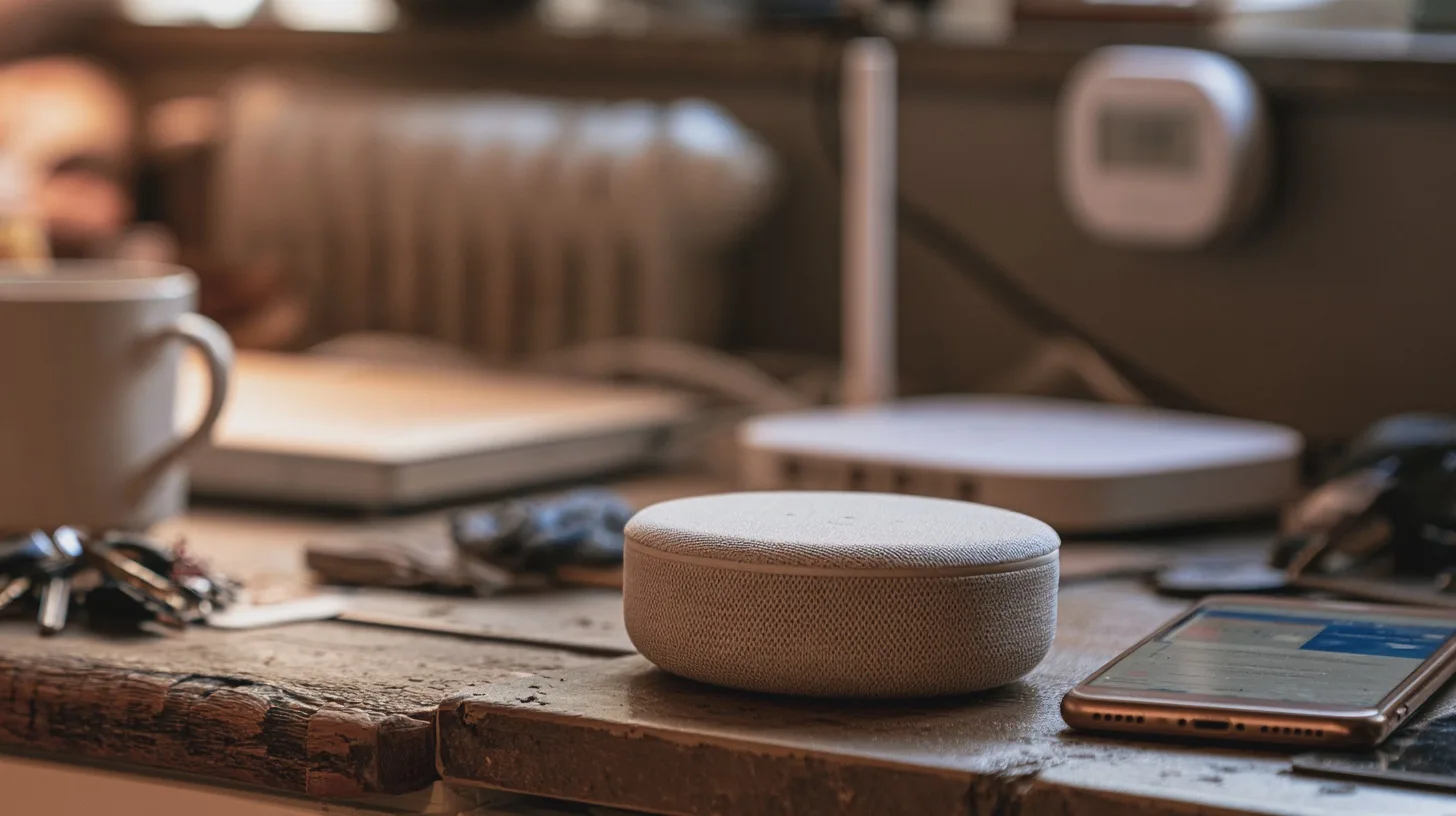
    Begin with a small task. Check what the service stores, leave family details out, limit its access and verify important answers. Let AI suggest dinner; it has a lot of trust to earn before it gets anywhere near the heating.

    Sources

  • The smart bird feeder that hijacks your tea break

    The smart bird feeder that hijacks your tea break

    The kettle goes on. A robin appears. By the time you reach the window, it has left without signing a release form. A smart bird feeder promises the close-up you missed: a camera watches the feeding spot and sends visits to your phone.

    That can be delightful. It can also be an expensive way to learn that your garden has poor Wi-Fi and a seed tray needs scrubbing. Here is how to buy and set one up without making the technology—or the birds—pay for your enthusiasm.

    A robin lands while the kettle boils; your phone catches the action. Pick the right feeder, place it sensibly and dodge Wi-Fi grief and pointless subscriptions.

    Buy the view, not the bird-identification pitch

    You have two sensible routes. A complete camera bird feeder puts the lens next to the food. Currys currently lists the Bird Buddy 2.0 with solar roof for approximately £180 in the UK. It advertises 5-megapixel photos and 2K video, plus a rechargeable camera helped by the roof-mounted panel. Its app sends visit alerts and collected clips, which Bird Buddy calls ‘postcards’. The feeder is described as weather-resistant, but the listing gives no specific ingress-protection rating; ask before assuming every joint will welcome a British winter.

    Alternatively, train a separate camera on a conventional feeder. Birdfy lists its standalone Birdfy Cam from approximately £80, with 1080p as its standard video setting, an optional solar panel, a rechargeable battery and an IP65 rating against dust and water jets. Pair it with the RSPB Classic easy-clean seed feeder, currently approximately £11. Allow roughly £90 for the pair before any mounting extras, and check the Birdfy bundle at checkout: the solar option may change the price.

    The separate arrangement looks less tidy, but you can take the feeder apart without treating the camera like a kitchen utensil. More pixels will not rescue a badly aimed lens; a close view of the feeding ports is more useful than footage of the entire lawn.

    Check the app before buying, too. Birdfy offers live viewing, alerts and recorded clips without a subscription, but species recognition on its subscription version costs extra after a trial; it also sells longer recordings and additional storage. Bird Buddy provides core clips and viewing free, while Premium adds features including automatic advanced identification. Neither needs a paid plan simply to show you a bird. Check any trial’s renewal terms rather than letting an app turn a blue tit into a direct debit.

    Give the Wi-Fi a garden exam

    Before ordering, stand exactly where the camera would go. Turn off mobile data on your phone, connect to your home Wi-Fi and play a video or make a video call for a minute or two. Repeat with the back door closed. A phone working indoors beside a window tells you little about a damp fence several metres away. If the connection drops or stalls, move the proposed feeder closer to the house or improve coverage first.

    Then read the exact model’s network specification. The Birdfy Cam requires 2.4 GHz Wi-Fi—the longer-reaching of the two common home Wi-Fi bands—not a 5 GHz-only network. Check your router’s settings or provider app to confirm that 2.4 GHz is enabled. Routers that give both bands one network name may connect automatically, but if pairing fails, follow the maker’s instructions rather than changing security settings at random. Check the Bird Buddy model’s requirements just as carefully; a brand name tells you nothing about its Wi-Fi specification.

    Pair and update the camera indoors first, then test its live picture at the intended spot before drilling. If you are comfortable installing a phone app, allow roughly 30–60 minutes for pairing, signal checks and a trial position; mounting may take longer if you need tools.

    Aim for the perch or feeding ports to fill a useful part of the frame, with enough background to see arrivals. Avoid pointing into bright sky. Check the live view for neighbouring windows, gardens or a shared path, and turn the camera away from them. The Information Commissioner’s Office says data protection law applies if a home camera captures beyond your property boundary. The simplest fix is to frame the birds, not the neighbours.

    The best camera bird feeder is one you can connect, reach and clean; the birds do not care how clever its app is.

    Make it work for the birds

    Here is the awkward part of the buying decision: the RSPB now advises against flat-surface feeding, including bird tables and window feeders, because food contaminated by a sick bird can be picked up by others. Inspect any smart feeder’s feeding area, not just its camera. A broad ledge where seed collects calls for particular caution. That makes a separate camera and an easy-clean tube feeder my safer starting point, even if the all-in-one looks better in a photograph.

    Put the feeder somewhere quiet and sheltered, high enough to reduce access for cats, with escape cover nearby but not so close that a predator can lurk beside it. Avoid hanging it beneath branches where droppings fall. Keep it within easy reach from firm ground: you will refill it, remove it and wash it. A perfect camera angle that requires a ladder every week is not perfect.

    The RSPB advises cleaning feeders at least weekly and moving them regularly so food and droppings do not accumulate underneath. Wear gloves, discard leftover food, dismantle the feeder, wash and disinfect its food-contact parts, rinse thoroughly and let them dry before refilling. Follow the camera maker’s instructions for the electronic module; do not put it in the washing-up bowl. Budget roughly 15–20 minutes for an ordinary clean, plus drying time. No technical experience is required, just a willingness to do the unglamorous bit.

    Feeding is seasonal, too. The RSPB currently advises offering seeds and peanuts from November to the end of April, not from 1 May to 31 October. Offer modest amounts that birds will eat promptly. If visits stop, the camera is not necessarily at fault—and the app is no reason to leave unsuitable food out.

    You will enjoy a camera if you already watch your garden and want to catch the visits you miss. If you want birds without alerts, charging or another account, buy the £11 RSPB feeder instead. The wildlife has never asked for 2K.

    the-smart-bird-feeder-that-hijacks-your-tea-break_INS2_MJ

    Test Wi-Fi at the actual mounting spot, check the model’s network band and free app features, then pick a feeder you can clean easily. If that sounds like more administration than pleasure, an ordinary tube feeder is still an excellent piece of garden technology.

    Sources

  • AI can save your brain — or soften it

    AI can save your brain — or soften it

    You have a long report to read and a meeting in half an hour. You ask AI for a summary. Sensible. Then it tells you what the report recommends, and you repeat that verdict in the meeting without checking the relevant page.

    Those are two different uses of the same tool. One clears the undergrowth; the other quietly takes over your judgement.

    The question is not whether AI is good or bad for your brain. It is which part of the job you meant to keep. Work that out before opening the chat box, and you can save time without mistaking a fluent paragraph for knowing what you’re talking about.

    You let AI summarise a report, then trust its verdict. The first saves time; the second may cost you the judgement you meant to keep.

    Hand off the work, not the understanding

    Psychologists call it cognitive offloading: handing a mental task to something outside your head. A diary holds your appointments. A calculator handles arithmetic. You do not need to memorise every train time to catch a train.

    AI can take on similar chores. Ask it to put untidy meeting notes into a consistent format, suggest headings for a document or produce a first-pass summary of a lengthy report. You still have work to do, but at least you need not spend your attention fixing bullet points.

    Where you draw the line depends on your purpose. If you only need to find the paragraph about delivery dates, a rough summary may do. If you are responsible for explaining why a project is late, you need to understand the evidence and its qualifications. Having AI write a convincing explanation is not the same as having one yourself.

    It is no different at home. Let it make a checklist from the instructions for assembling a desk. But if you are comparing insurance cover, deciding whether to challenge a bill or helping a teenager understand homework, do not mistake its finished answer for your own grasp of the details.

    Research on external memory suggests people may remember less of information they expect to retrieve later, while remembering where to find it. That is not evidence that using AI causes lasting memory loss. It is a reminder that storing information somewhere and learning it yourself are different jobs. Decide which one this task requires.

    A polished answer is not proof you’ve learnt it

    AI makes one shortcut particularly tempting: it can provide not just facts, but a neat argument about them. You might finish an email, a presentation or a difficult conversation feeling prepared simply because the words sound prepared.

    There is reason to be cautious, but not to panic. In a 2025 study, researchers surveyed 319 people who used generative AI at work. Those who reported greater confidence in the AI also reported less critical-thinking effort on the tasks they described. That is an association based on people’s accounts, not proof that their abilities had deteriorated.

    A separate experiment with nearly 1,000 school pupils in Turkey draws a clearer line between getting an answer and learning to produce one. Pupils given a straightforward AI maths assistant did better during practice but scored worse on a subsequent unaided test than pupils without AI. An assistant designed to give hints rather than hand over solutions largely avoided that disadvantage. School maths is not your Tuesday afternoon at work, but you can recognise the difference between a hint and an answer.

    Accuracy is another problem. The US National Institute of Standards and Technology describes how generative AI can confidently present false information, sometimes called a hallucination. A summary might misstate a condition, leave out an exception or offer a plausible-looking reference that does not support its claim.

    None of this means you must abandon the tool. It means fluency is a poor quality check, especially when you are learning something new: the less you already know, the harder a polished mistake can be to spot.

    Let AI shorten the route to the material; don’t let it become the only place you encountered it.

    Try the two-question test

    Before you ask AI for help, take about a minute and ask: What do I need to learn or judge for myself? No technical experience required. Write down the answer if the task matters. It might be: “I need to understand why the supplier missed the deadline,” or “I need to decide whether the cheaper policy actually covers the trip.”

    Then hand AI the supporting work. Ask for a first-pass summary, a list of terms you should look up, or questions that would test your understanding. If you are trying to acquire a skill, ask for a hint or an explanation of where your own attempt went wrong before requesting a finished answer.

    The second question comes after it replies: What must I check against the original? For a consequential decision, open the report, policy or message. Find the passage behind the key claim. Check figures, dates, exclusions and anything the AI presents as a recommendation. If it gives page references, use them to find the text; do not assume a reference proves the claim.

    You need not audit every suggested email subject line. Spend roughly five minutes checking an ordinary work summary; allow longer when money, commitments or someone else’s welfare depends on it. If you cannot find the supporting passage, treat the claim as unverified, however confidently it was written.

    Finally, close the AI response and explain the point in your own words. If you cannot say why you agree, what remains uncertain and what would change your mind, you have a useful draft — not yet a decision.

    ai-can-save-your-brain-or-soften-it_INS2_MJ

    Delegate the formatting and the first pass. Keep the recall, understanding and consequential judgement you actually need. Decide which is which before you ask, and check important answers against the original. Your brain need not do every chore; it does need to know when it is signing off the work.

    Sources

  • Pocket AI recorders: useful tool or costly nuisance?

    Pocket AI recorders: useful tool or costly nuisance?

    The meeting ends. Your pocket recorder produces tidy action points. Then someone asks where their voice went.

    That is the question the sales pitch tends to skip. A dedicated AI recorder can save you an hour of replaying audio, but it also creates a file of other people’s words, often sends it to a cloud service and may start charging when your monthly allowance runs out. So how do you decide whether you need one at all?

    The meeting ends, your pocket recorder produces neat notes, and someone asks where their voice went. Before you press record, check the costs and rules.

    First, decide whether you need a recording

    Three jobs are being sold as one. Recording captures audio. Transcription turns speech into text. An AI-generated summary picks out what software thinks matters. You can have the first without the other two; a summary is not a faithful record just because it looks like minutes.

    If your meetings are occasional, try the recording app already on your phone before buying hardware. Put the phone near the speakers, switch off interruptions and make a short test recording. It takes about five minutes and no technical experience. Check its cloud-sync settings too: a phone recording does not necessarily stay on the phone. If you only need decisions and next steps, handwritten notes spare you both an audio archive and a correction job afterwards.

    For online meetings, check whether your organisation’s Microsoft Teams setup already permits recording or transcription. Teams notifies attendees when recording starts, though an organiser’s settings and workplace policy may restrict who can start it. Using the approved meeting system could be simpler than adding a separate personal account.

    A dedicated recorder earns its place when you regularly move between rooms, need a reliable one-button start and cannot leave your phone in the middle of the table. None of that makes it right for every conversation. Start with the meeting, not the gadget.

    The small gadget has a running bill

    Plaud’s UK shop currently lists the Plaud Note at £149 and Note Pro at £169, including VAT: an approximate £150–£170 buying range. The Note claims up to 30 hours’ recording; the Pro claims up to 50 hours in its longer-life mode. Those are manufacturer figures, not a guarantee of clear audio in a noisy room. The Pro’s extra microphones may help across a table, but no microphone can rescue people talking over one another from opposite ends of a restaurant.

    Both models include 300 transcription minutes a month — five hours. Plaud lists a Pro plan with 1,200 minutes a month at £17.99 monthly or £99.99 annually. Buy a £169 Note Pro and the annual plan, and your first-year bill is approximately £269. The allowance resets monthly, so a quiet month cannot fund a busy one. Check the plan again before paying: the hardware cost is only the opening bid.

    Then ask what works without an internet connection. A device may capture audio while offline, but transcription and summaries can still depend on later syncing and cloud processing. Test a short flight-mode recording, then check where the audio goes when you reconnect.

    Before committing, export a sample audio file, transcript and summary. Can you save usable copies in your organisation’s approved storage, or must you rely on a share link in somebody else’s service? If that proves awkward, living with the recorder will be awkward too.

    Buy the recorder for reliable capture, not for the comforting fiction that neat AI notes are accurate minutes.

    A polished summary can still be wrong

    Clear audio matters more than an impressive list of AI models. Position the recorder centrally, away from cups and rustling papers. Do a 30-second test with someone at the far end of the room; the setup takes a minute and requires no audio expertise. If you cannot make out their words on playback, do not expect software to work miracles.

    Expect more corrections with overlapping speech, unfamiliar names, technical jargon and accents the system handles poorly. Speaker identification means the software tries to assign speech to different people; it does not guarantee that ‘Speaker 2’ really was the finance director. Check names against the recording before a mistaken label becomes an attributed promise.

    Summaries create a second chance for error. An AI tool might omit a qualification, turn a suggestion into a decision or assign an action to the wrong person. The ICO specifically advises organisations using AI meeting tools to check outputs and correct inaccuracies. For an ordinary meeting, allow roughly five to ten minutes to check decisions, dates, figures and owners against the audio before circulating notes. A contentious or technical discussion will take longer.

    Keep the recording long enough to settle those checks under your retention policy, rather than immediately deleting your only reference. Equally, do not mistake a searchable collection of old conversations for a perk. It is a liability with a convenient search box.

    Tell people, protect the files, then delete them

    UK GDPR duties depend on what you are doing and in what capacity. A business recording identifiable people needs a suitable lawful basis for its purposes, but that does not mean consent is always the required basis. The ICO says an organisation using an AI tool for an existing purpose may be able to rely on the lawful basis it already identified; a new purpose needs its own assessment. People should be told how their information is used, including relevant AI processing.

    Before a work meeting, check your employer’s recording policy and approved tools. Take particular care with health, union matters, disciplinary issues or client confidences. Some discussions may involve special-category personal data, which brings additional requirements. Find out whether audio goes to a cloud provider, where it is processed, whether it is used for the provider’s own purposes, and who can open, export or share it. A vendor’s security badges do not answer those questions for your organisation.

    Use a routine simple enough to survive a busy Tuesday. Before pressing record, say: ‘I’d like to record this to check the notes afterwards; the file will be stored in [approved location], accessible to [people], and deleted under [policy]. Is there anything we should leave unrecorded?’ That takes under a minute and requires no specialist knowledge. If someone objects, pause and take notes while you resolve it.

    Afterwards, limit access to people who need it, protect the account with multi-factor authentication if available, check sharing permissions and correct the draft. The NCSC warns that cloud-sharing mistakes can expose files unintentionally. Delete audio and cloud copies when the agreed purpose and retention period end; check whether transcripts and shared exports need deleting too.

    pocket-ai-recorders-useful-tool-or-costly-nuisance_INS2_MJ

    The verdict: Buy a dedicated recorder if you regularly run permitted in-person meetings, can justify roughly £150–£170 for the device and will actually check its output. Budget for a plan if five hours of monthly transcription is not enough. Save your money if meetings are infrequent, Teams already does the approved job, or a notebook captures all you need. And if you cannot explain where everyone’s voice will go, do not press record.

    Sources

  • Your old phone has one last kitchen job

    Your old phone has one last kitchen job

    There is probably a phone in your house that retired without quite leaving. It still works, but you no longer trust it with your daily life. Could it earn a place in the kitchen instead?

    Yes — as a Wi-Fi radio, timer and occasional video-call screen. This is a roughly 30-minute job requiring only basic phone-setting skills. But your first task is not finding a stand. It is checking whether the handset belongs anywhere near a charger.

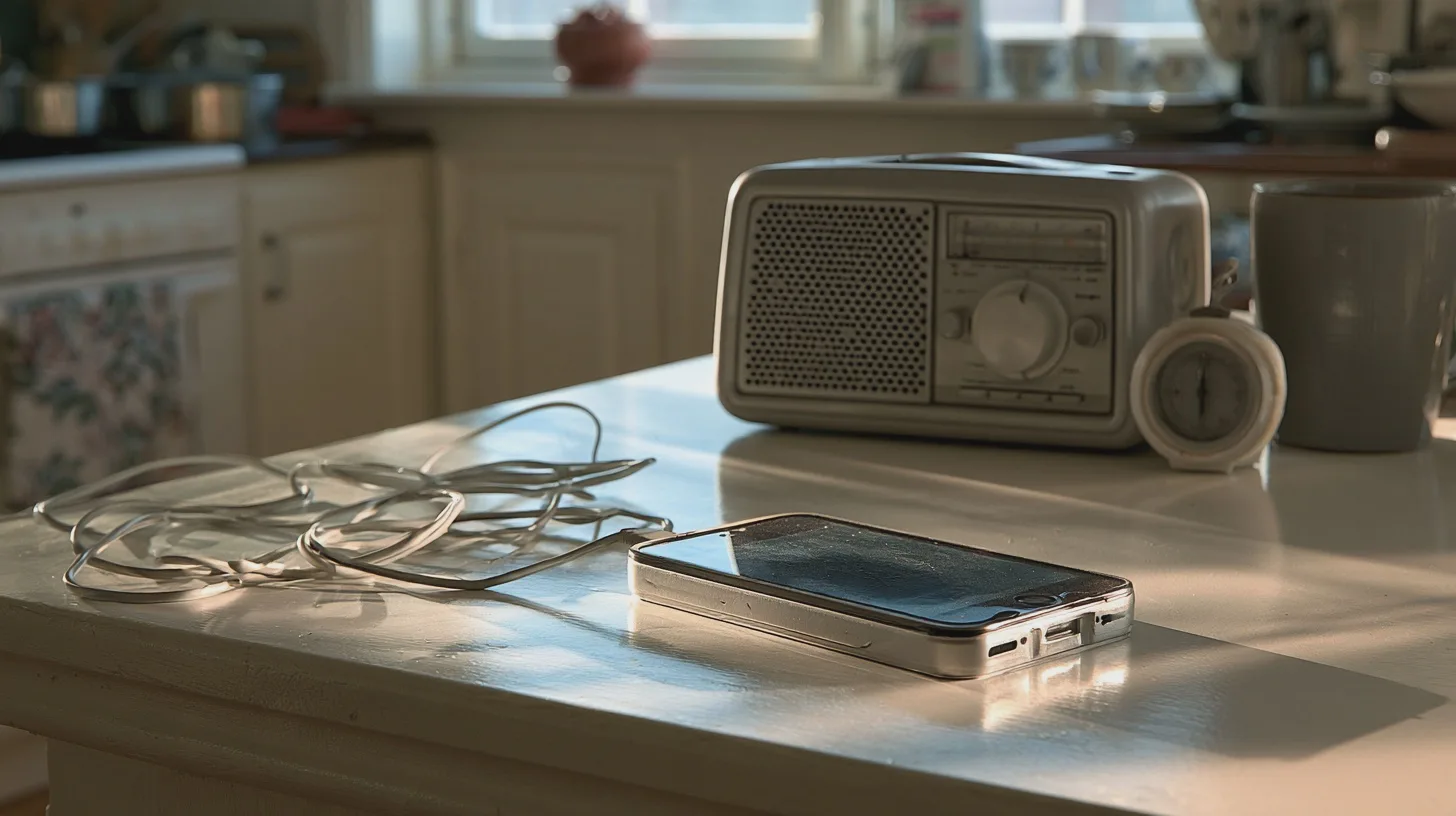
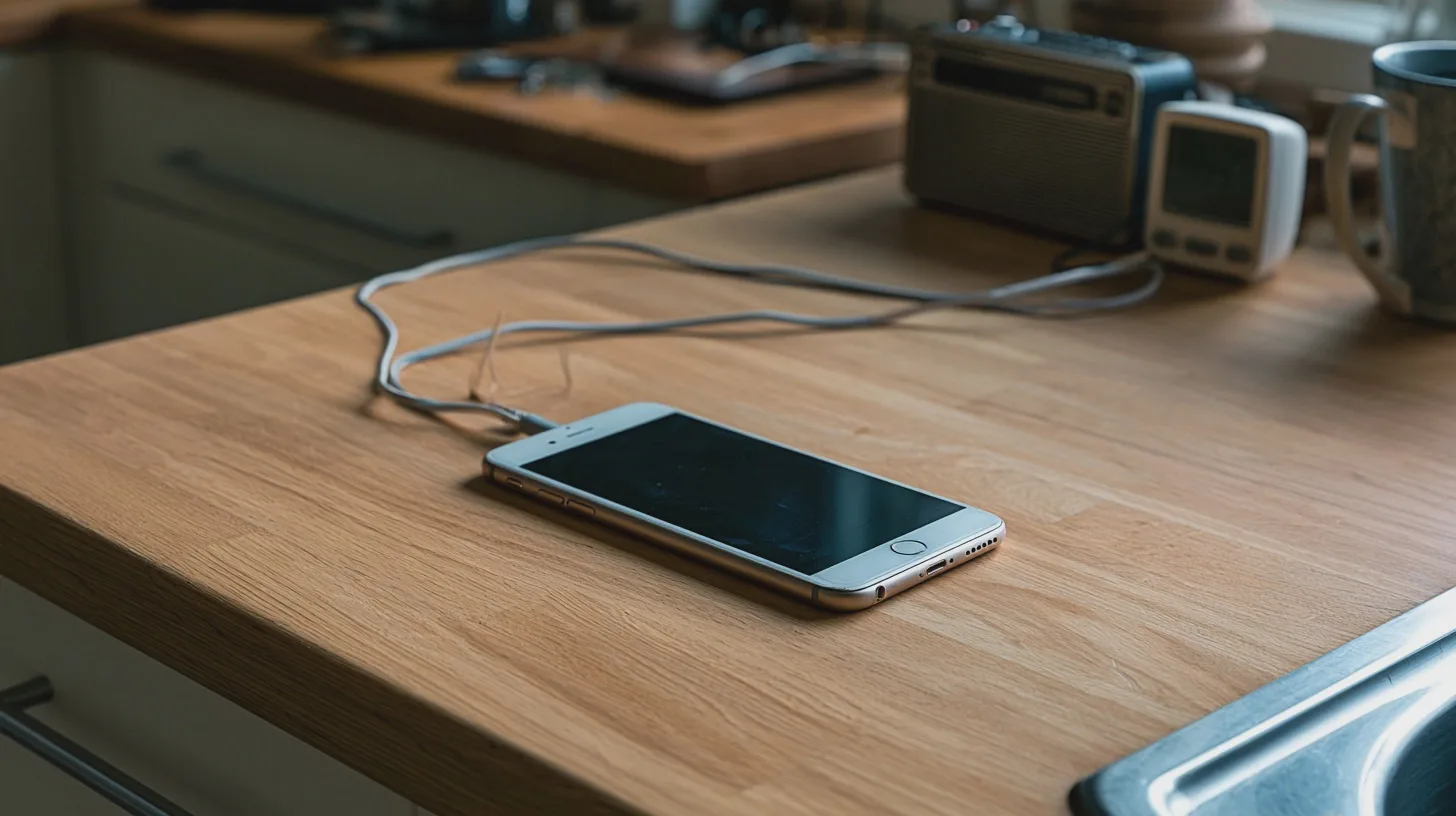
    That forgotten handset could handle radio, timers and family calls from the worktop. But if its battery is swollen, the kitchen plan ends there.

    First, give the battery a veto

    Inspect the phone before switching it on or plugging it in. Look for a screen or back panel lifting away from the case, bulging, leaks or other damage. If the battery is swollen, do not charge, use or repurpose the phone. No kitchen radio is worth a battery fire.

    Keep a damaged handset away from heat and anything flammable. Do not put it in household rubbish or the ordinary recycling bin. Contact your council’s household waste recycling centre and tell staff the phone has a swollen battery; ask how they want it brought in rather than dropping it into an unattended electricals bin. Do not try to prise out a battery that was not designed to be removed. If the device is smoking, get out, stay out and call 999.

    If the phone is sound, check its software next. Connect to Wi-Fi, open its system update settings and check the manufacturer’s support information for that specific model. The National Cyber Security Centre warns that unsupported phones miss security fixes. Keeping one online and signed into accounts just because it still turns on is a poor bargain. If security updates have ended, retire and recycle it rather than giving it a permanent place in the kitchen.

    Back up anything you want to keep. Then remove unneeded apps and accounts, or reset the phone and set it up afresh. Use a screen lock, update the apps you retain and protect the account used for calls with two-step verification where available. You want a kitchen helper, not an unattended copy of your entire digital life.

    Make radio and timers easy to reach

    Join your home Wi-Fi and try BBC Sounds from the phone’s official app store. Search for a station you actually listen to, start its live stream and leave it playing while you do something else. That quick test tells you more about the handset’s usefulness than a drawerful of old specifications. If you prefer another station’s own app, test that on the device too.

    Do not assume an old smartphone runs today’s services. App requirements change: check the store listing against the phone’s operating-system version, then make sure the app installs, signs in and plays. The same goes for video calls. Do not download an unofficial app file to get around a compatibility warning.

    This is internet radio, not DAB. DAB — Digital Audio Broadcasting — reaches a radio receiver through broadcast transmitters. Your phone gets a stream over your broadband connection. If your Wi-Fi or internet goes down, the live stream stops; a separate DAB set does not depend on your home broadband. Streaming can also lag behind a broadcast, which matters if you are following sport while somebody next door celebrates first.

    For the other half of its shift, use the phone’s built-in Clock app. Put the timer within easy reach, set one for a minute and check that its alert is loud enough over the radio. Test whether audio resumes afterwards and whether the screen can sleep without stopping playback. A dark screen and a reliable alarm beat a permanently glowing clock you cannot hear over the extractor fan.

    Internet radio needs your Wi-Fi, but a swollen phone needs a recycler, not a charger.

    Add family calls, then choose its place

    Pick the calling service your family already uses, not one that makes everyone install something for your kitchen experiment. FaceTime can make video calls over Wi-Fi on a compatible iPhone; Google Meet is another option if the handset and app meet its current requirements. Sign in, allow camera and microphone access, and make a test call. If an old mobile number is no longer yours, check which account address or contact details people should use to reach you.

    Now find a spot that works for all three jobs. A stable stand on a clear, dry part of the worktop should keep the phone upright and visible without putting it beside the hob, kettle, sink or chopping board. Check that the charging lead cannot be snagged. Use a suitable, reputable charger on a hard, uncovered surface; charge while you are around, unplug when full, and do not leave the phone charging overnight or permanently tethered beside a heat source. If it becomes unusually hot, swollen or damaged, stop using it.

    Does this beat buying another gadget? If the phone passes the safety and update checks, you already own it and it handles three tasks. A dedicated set such as the Roberts Play 10 DAB radio was listed at approximately £40 in the UK when checked. That gets you broadcast radio without relying on broadband, but not the video-call screen or a kitchen timer.

    The phone wins if you have a safe, supported spare and decent Wi-Fi. Buy the simpler radio if you mainly want to press a button and listen, or if the handset fails either check. Reuse makes sense. Keeping a suspect battery on charge to save a few quid does not.

    your-old-phone-has-one-last-kitchen-job_INS2_MJ

    A useful kitchen phone is physically sound, still supported and tested with the apps you need. Give it a safe place, charge it sensibly and let it handle several jobs. If its battery is swollen, the project ends before it begins.

    Sources

  • Seven Fitness-Tech Mistakes That Waste Time and Cash

    Seven Fitness-Tech Mistakes That Waste Time and Cash

    Fitness trackers have their uses. They can also make a decent walk feel like a failed target and turn a forgotten trial into a recurring bill. Let the technology describe what you did, rather than decide whether it counted.

    Here are seven mistakes to fix before you buy another device or take another instruction from your wrist.

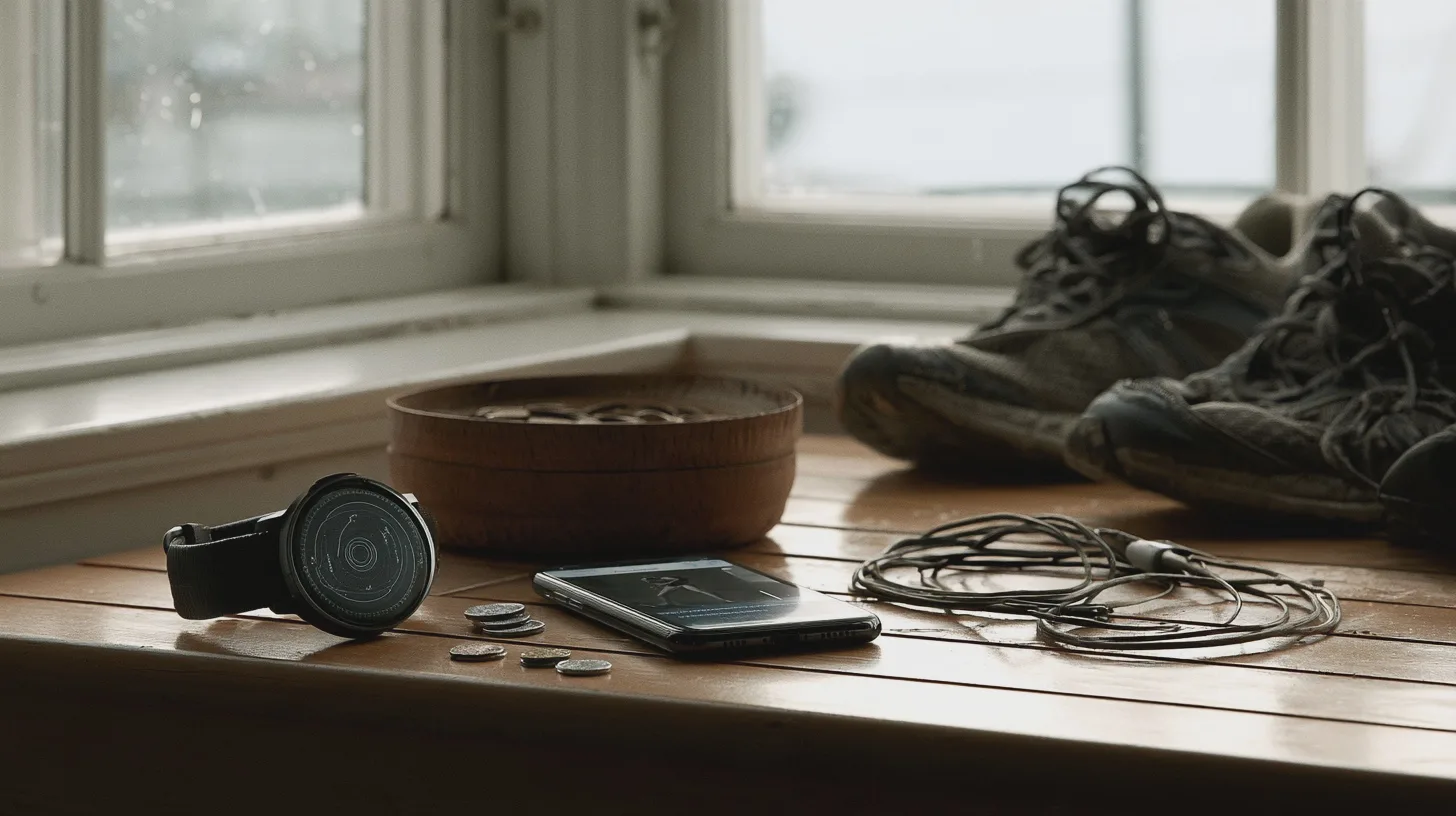
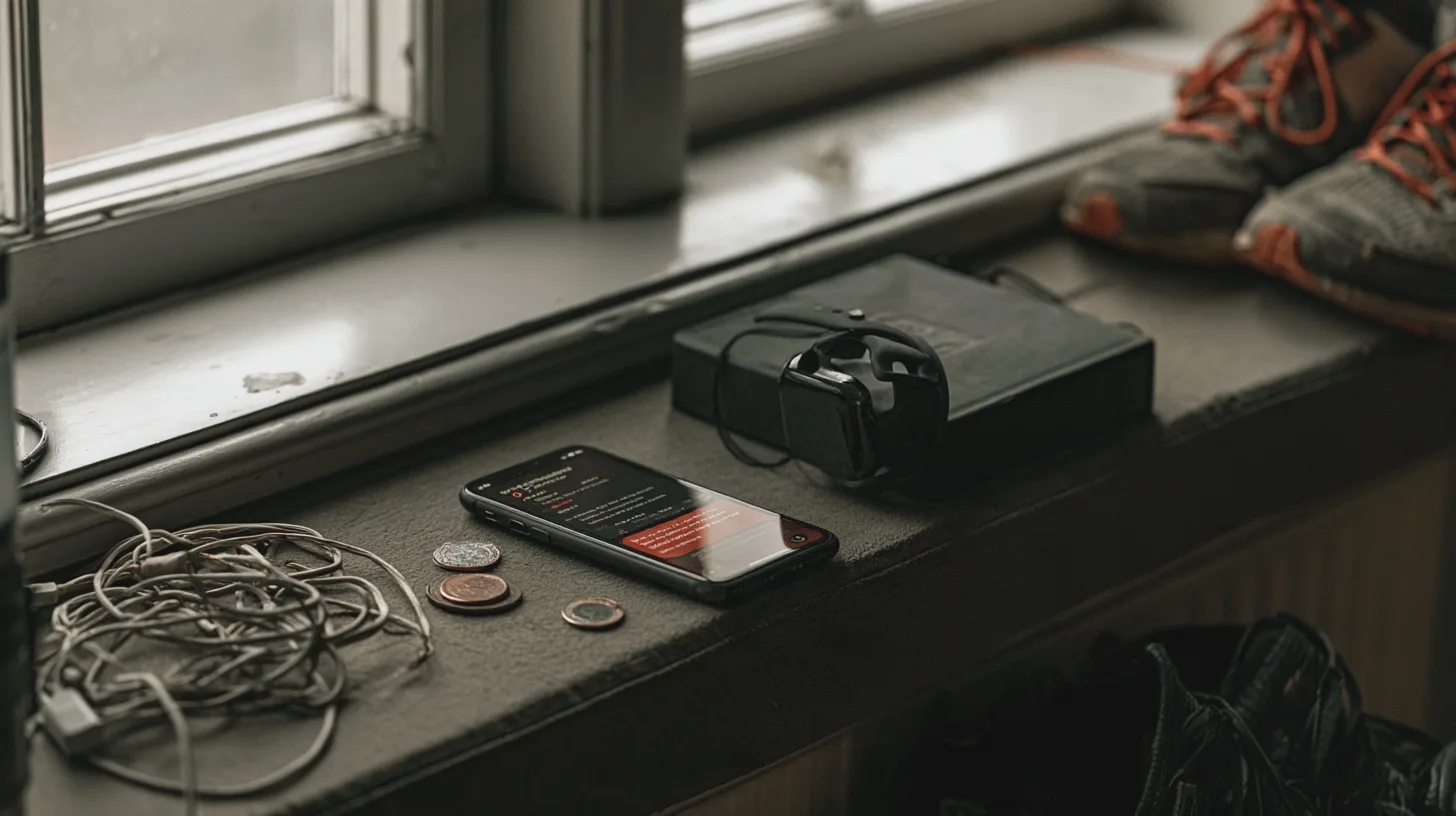
    Your watch nags you to hit 10,000 steps while an unused app renews again. The wrong numbers and quiet charges can undermine a perfectly good routine.

    When the numbers start making the rules

    1. Treating 10,000 steps as medical advice

    Ten thousand is a target, not a diagnosis. If you cycle, swim or do strength work, step counts miss much of the effort. And if you are returning to exercise after a long break, treating an arbitrary daily total as an order to push through discomfort does you no favours.

    A 2025 review found meaningful health benefits associated with around 7,000 steps a day compared with 2,000. It did not prescribe 7,000 for everyone; the evidence was largely observational. Compare your steps with your own usual level instead. A modest, adjustable goal takes about five minutes to set and needs no technical expertise. If you have a medical condition or concerns about restarting exercise, ask your GP what is appropriate for you.

    2. Eating back every calorie your watch claims you burned

    The calorie figure looks authoritative because it comes with digits. It is still an estimate. Research comparing consumer wearables with reference measurements finds that estimates of energy expenditure — the energy your body uses — vary by device and activity. A long walk does not automatically earn you the precisely calculated pudding your app suggests.

    At most, use the figure to compare similar workouts on the same device. If you are managing your weight, do not base food decisions on one workout’s reading. Look at your broader habits over time; if you need individual dietary advice, speak to a qualified health professional. Less exciting than a glowing ring, perhaps, but considerably more useful.

    When the app forgets you have a body

    3. Chasing a streak instead of recovering

    A streak rewards consecutive ticks, not sensible training. It can push you towards another hard session when you are sore, exhausted or getting over an illness. Missing a badge costs nothing; making an injury worse may cost weeks of activity.

    The free NHS Couch to 5K plan puts a rest day between runs so your body can recover. You need not take up its running programme to borrow the principle. Spend about five minutes each week putting easier days in your calendar. If a notification nags you to complete a hard workout on one of them, silence it or change the target. No coaching qualification required. Persistent or worsening pain needs attention, not a motivational slogan.

    4. Counting steps and forgetting strength

    A step graph is satisfying to look at. Unfortunately, it cannot tell you whether you carried heavy shopping, worked with resistance bands or did a set of press-ups. Track only walking and useful strength work can look like a blank day — then quietly vanish from your routine.

    UK advice for adults includes muscle-strengthening activity on at least two days a week alongside aerobic activity. Keep a simple note of what you did and when instead of buying another dashboard. That takes roughly two minutes after a session and no experience with fitness software. Progress might mean doing a movement more comfortably, not persuading a watch that gardening was a workout.

    The watch can count a walk, but it cannot decide whether you needed a rest day — or whether another subscription earns its keep.

    When useful tools become monthly overheads

    5. Buying features you will never use

    Before paying for maps, coaching scores or a small computer strapped to your arm, write down the two things you actually want to know. If those are steps and rough activity trends, try the phone you already own for a fortnight. The test takes about ten minutes to set up and no specialist knowledge.

    If you still want something on your wrist, the Huawei Band 10 is a UK-available basic option: budget approximately £28–£40, depending on the retailer. Which? notes that inexpensive trackers vary in accuracy, so read an independent test before buying. A pricier model makes sense when a feature solves a real problem for you, not because its menu boasts 100 exercises you will never do.

    6. Letting a free trial renew in silence

    Before starting a trial, check the renewal price and date. Put a reminder in your calendar a week beforehand, then spend five minutes deciding whether you used the paid features. Deleting the app does not cancel a Google Play subscription.

    For subscriptions billed by Apple, check Settings → your name → Subscriptions; for Google Play, check its subscriptions page. If the app bills you directly, cancel with the company and keep its confirmation. Check your bank statements too: the charge may not appear under the app’s name.

    If a company takes recurring card payments and will not stop, the UK Financial Conduct Authority says you can instruct your card issuer to stop them. That ends the payment authority, not necessarily money you still owe under a contract. Do not count on the proposed UK rules for easier cancellation and renewal cooling-off refunds to save a missed trial: the government expects those rules to take effect in spring 2027.

    When your workout becomes somebody else’s data

    7. Accepting every sharing request

    A fitness app may ask for location, contacts, health information and permission to share workouts publicly. Each is a separate choice, not the admission price for a walk. Public routes can show where you start and finish; linked accounts can carry information further than you intended.

    The Information Commissioner’s Office notes an important distinction under UK data-protection rules: a step count alone is not automatically health data, but combining it with other measurements to infer a wellness score may make it health data. Put plainly, the more insight a service promises, the more carefully you should check what it collects.

    Spend about ten minutes checking the app’s privacy and phone-permission settings. Make activities private, switch off contact syncing, restrict location access unless you need route maps, and check whether connected services can see your data. You need no technical expertise; you just need to read past the large, friendly ‘Allow’ button.

    Another account may be unnecessary. The free NHS Active 10 app helps track brisk walking, while a phone health app or even a paper checklist can record progress. If walking is your main goal, start there. A basic tracker is enough if it answers a question you actually ask; a free app is enough if it does the same without occupying your wrist or your bank statement.

    seven-fitness-tech-mistakes-that-waste-time-and-cash_INS2_MJ

    Keep the metrics that help you act, ignore false precision and plan recovery without asking an app’s permission. Try the free option before buying, check every renewal date, and give fitness services only the data they need. You want a routine you can keep, not a perfect dashboard.

    Sources

  • Smart thermostat or simple timer? Decide before winter

    Smart thermostat or simple timer? Decide before winter

    The first cold morning is a poor time to discover that your heating wants an app update, a password and possibly your mother’s maiden name. It is an equally poor time to buy a new thermostat in a panic.

    A smart thermostat lets you change your heating schedule and temperature from your phone, even when you are out. For some households, that is handy. But if the box on your wall already knows when you get up, you may be paying to do the same job on a smaller screen.

    The first cold morning arrives and your heating app demands a login. Before buying, check whether a simple schedule and proper manual controls already do the job.

    Start with the controls already on the wall

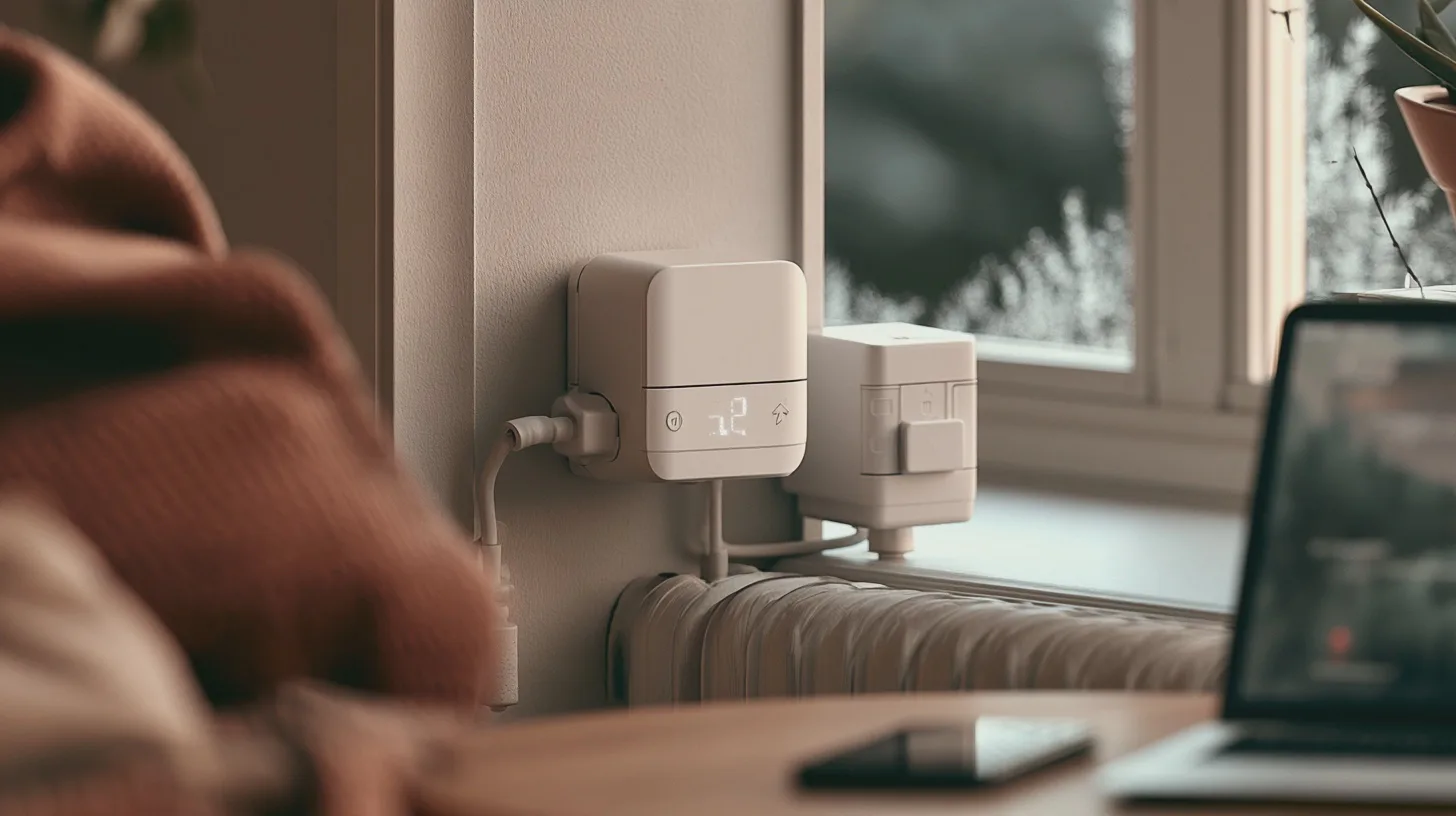
    Take five minutes to work out what you have. A programmer switches the heating on and off at set times. A room thermostat decides whether the house actually needs heat during those periods. A programmable thermostat does both jobs and may let you set different temperatures through the day. Thermostatic radiator valves, or TRVs, are the numbered controls on individual radiators: they restrict heat as each room warms up.

    Each control has its job. A timer on its own cannot tell whether the room is warm enough. A TRV can keep a spare bedroom cooler, but an ordinary TRV cannot call the boiler into action just for that room. And fitting a smart thermostat does not automatically give you independent control of every radiator.

    Find the make and model of your programmer and look up its manual. Check for separate weekday and weekend settings, a heating boost and an independent hot-water programme. If those are already there, your first upgrade may be learning what the buttons do. Hardly glamorous; much less fiddly than rewiring the boiler.

    Energy Saving Trust says whether smart controls save money depends on how you currently run your heating. That is the comparison that matters, not a manufacturer’s savings claim measured against an imaginary house with the heating left on all day.

    Give your heating one sensible week

    Allow roughly 20–30 minutes to set a basic heating schedule; you need no technical experience, just the controller’s manual and an idea of when people are home. Start by correcting its clock. Then programme heating to begin about half an hour before you get up and stop about half an hour before bed. If the house is empty for much of the day, add an off period and an evening start. Give weekends their own times if your controller allows it.

    Set the room thermostat to the lowest temperature that keeps you comfortable; Energy Saving Trust suggests 18–21°C for most people. If the house warms slowly on a bitter morning, start earlier rather than turning up the thermostat in the hope of making the boiler sprint. Health and comfort come first, especially if someone at home is vulnerable to the cold.

    Next, spend about ten minutes checking the TRVs. Try a lower setting in rooms you use less often, then adjust once you have lived with it; the numbers are not precise temperatures. Do not leave a chilly room unheated for long stretches just to win an argument with the gas bill.

    Finally, show everyone where the physical boost or override button is and how to return to the schedule. Live with this arrangement for a week. If it suits you, an app has a remarkably weak case.

    Buy a smart thermostat for a problem your existing controls cannot solve — not for a fancier way to set seven o’clock.

    Buy remote control only if you will use it

    Here is the case for smart: your working hours change, you travel, or you regularly realise on the train that the heating is set for an empty house. Remote control lets you change plans without standing in the hallway. An app may also make a complicated weekly schedule easier to edit. If your routine is predictable and you already use a programmable thermostat, those advantages shrink considerably.

    For a price check, Toolstation lists a Drayton LP522 programmer at £57.99 and programmable room thermostats including a Danfoss TPOne-B at £69.99 and a Honeywell Home T3 at £77.99. Allow approximately £60–£100 for this sort of conventional hardware, depending on the model; fitting is extra. Hive lists its Thermostat Mini at £79, while the announced UK prices for tado°’s second-generation X starter kits are £159.99 wired and £169.99 wireless. That makes approximately £80–£170 a useful smart-hardware comparison, not an installed quote. Prices and offers can change.

    Nor is a new thermostat automatically the best conventional purchase. If your existing programmer and room thermostat work but radiators lack TRVs, Energy Saving Trust puts the approximate cost of adding TRVs throughout a home at £370. Ask an installer what your particular system needs before you buy parts.

    A smart thermostat may earn its price in convenience. Just do not count on it paying for itself: any bill reduction depends on what you would otherwise have done.

    Check the boiler before you check out

    Identify your boiler and check whether you have a separate hot-water cylinder. A combi boiler generally heats tap water on demand, so there is no cylinder-heating schedule to move into an app. If you have a cylinder, check that the exact thermostat kit can switch and schedule hot water as well as central heating. Hive says its compatible conventional-system thermostat can do that, but it does not set the cylinder water temperature.

    Check the manufacturer’s compatibility information against your boiler model and existing controls, particularly if the boiler already has its own advanced controller or your home has more than one heating zone. Check which kit you are buying, too: wired, wireless and hot-water versions are not interchangeable just because the boxes look similar. A system using a heat pump or electric room heaters needs separate scrutiny, not an assumption that a gas-boiler product will work.

    Changing a schedule takes minutes; replacing a boiler receiver is electrical work. Hive recommends an experienced tradesperson, and Which? advises professional installation unless you are competent and the instructions expressly support doing it yourself. Get a fitted quote and ask the installer to demonstrate the physical override before they leave.

    Do not build your heating schedule around phone-location tracking or other app automations. Hive says its existing schedules and on-device temperature control continue if the internet fails, although remote app control does not. Check the equivalent behaviour for any model you choose. A warm house should not depend on remembering a login.

    smart-thermostat-or-simple-timer-decide-before-winter_INS2_MJ

    The verdict: programme what you have, give it a week and keep a physical override everyone can use. If your plans genuinely change too often for a fixed heating schedule, a compatible smart thermostat may be worth the installed cost. Otherwise, leave the app in the shop.

    Sources

  • Smart glasses: which features are worth paying for

    Smart glasses: which features are worth paying for

    Think about your last ordinary Tuesday. Were you taking calls while cooking, listening to directions on a walk, checking a train platform, or trying to read a menu without swapping glasses? That routine is a better shopping guide than a demonstration involving an AI assistant and a conveniently positioned landmark.

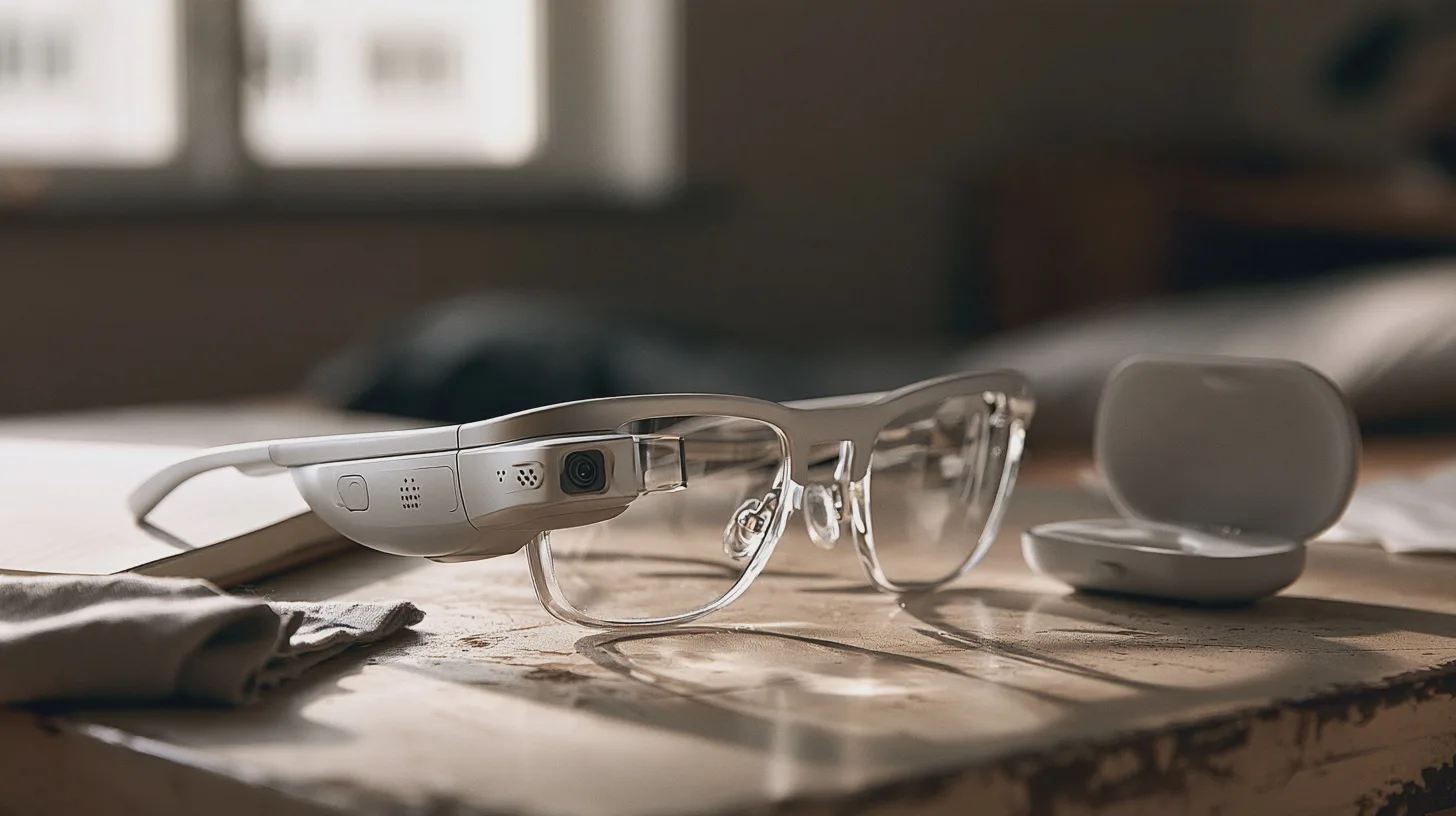
    Smart glasses put some combination of speakers, microphones, cameras or a display in a frame. The feature worth paying for is the one that removes a small, repeated irritation from your day. First, though, the frame has to work as glasses.

    You can put a camera, speakers and an assistant on your nose. But if the lenses are wrong or the controls awkward, you have bought expensive faff.

    Start with the glasses you already wear

    If you need prescription lenses from breakfast onwards, find out the complete fitted price before considering the electronics. Ray-Ban Meta Gen 2 Wayfarers are sold in the UK from approximately £379 with non-prescription lenses; Ray-Ban offers prescription versions, but the final cost depends on your lens choices. Its prescription-focused Blayzer Optics frame is listed at approximately £429 before prescription lenses.

    That distinction matters if you wear varifocals, have a stronger prescription or need a particular lens treatment. Ask an optician whether your actual prescription and preferred lens type can be fitted to the specific model. Do not assume that ‘prescription available’ means your usual lenses will work. Ray-Ban lists a prescription-power limit for Gen 2, so check eligibility before buying a frame.

    Fit deserves just as much attention. Try the glasses in person if you can: look down as if reading, turn your head, and wear them long enough to notice pressure behind your ears or on your nose. Thick arms that feel fine for two minutes can become tiresome during a commute. The Blayzer Optics has adjustable elements designed for prescription wearers, but adjustments are no substitute for trying it on.

    If your current glasses fit beautifully and you would wear the smart pair only occasionally, keep your existing lenses and spend nothing yet. A second pair is convenient only if you remember to take it with you.

    Audio and controls should save you a step

    Audio glasses make most sense if you already wear glasses and regularly need brief calls, spoken directions or a podcast while keeping your ears open. Ray-Ban Meta Gen 2 combines open-ear speakers with touch and voice controls. The UK-listed Wayfarer starts at approximately £379. Oakley Meta HSTN is another UK prescription-capable option if you prefer a sportier frame; a listed configuration costs approximately £439.

    Open-ear sound is not private sound. Which? found that music from Ray-Ban Meta glasses leaked noticeably at high volume. In a quiet train carriage or office, earbuds are the more considerate purchase. They are also the simpler answer if sound is all you want and you do not need another pair of glasses.

    Test the controls with your phone in your pocket. Can you pause audio, change volume and answer a call without repeatedly touching the wrong part of the arm? Try voice commands outdoors as well as in a quiet shop; saying ‘Hey Meta’ across a café may appeal less than tapping a frame. Check which commands and services work with your phone before paying for the promise of hands-free everything.

    Ray-Ban quotes up to eight hours for Gen 2 under moderate use, but up to five hours for continuous audio and voice assistance. That is a useful distinction if your working day includes a long commute. A charging case extends the day only when you can take the glasses off to use it.

    If the prescription, fit and basic controls are wrong, the clever features are just expensive faff on your nose.

    A camera costs more than the sticker price

    A camera in your glasses can be useful when you want to film something without holding a phone. Start with the moments you would actually record, rather than the ones that look good in a demonstration. If those moments are rare, carrying another camera on your face may be more trouble than it is worth. You still need the frame to fit, and you still have to pay for the glasses.

    AI needs the same test. An assistant that helps with a task you repeat could save you a step; one you use once to see what it can do is not much of a reason to buy. Before you pay, ask what you would say to it, where you would use it and whether reaching for your phone would be just as easy. The answer need not flatter the glasses.

    Then consider the people around you. Camera glasses make filming less conspicuous than holding up a phone, which can make other people unsure whether they are being recorded. Be clear about what you are doing, ask before filming someone and put the camera away when recording would be unwelcome. Being able to capture a moment hands-free does not mean everyone else has agreed to be in it.

    That is the extra cost: not another figure on the receipt, but another decision you make whenever you wear them. If the camera solves a regular problem, weigh that benefit honestly. If it does not, choose glasses for their fit and the features you will actually use.

    Only buy a display for a job you actually have

    A display sounds like the obvious upgrade until you ask what you want to see. Discreet information is one proposition; screen glasses are another. Decide whether you need a brief glance at information or a screen you would deliberately sit down to use. Neither is worth buying simply because a picture can appear in front of your eyes.

    Prescription needs make that distinction more practical than it sounds. Even Realities G2 has prescription-lens choices to check against your own requirements. XREAL One has prescription-insert guidance, which is another reminder to work out the complete setup before paying. As with audio glasses, the useful price is what it costs you to see comfortably, not just the figure attached to the device.

    Imagine a normal week with the display, not a particularly obliging afternoon. What would you look at, how often, and would it be easier than using the phone or computer you already own? If you cannot name that job without reaching for a hypothetical situation, wait. A display should save you effort, not give you a new reason to fiddle with your glasses.

    The final test is reassuringly unglamorous: confirm that your prescription can be fitted, try the frame and check the controls and battery against the task you have in mind. Then compare the complete purchase with ordinary glasses and earbuds. If the familiar combination does the job more comfortably, there is no prize for making it more complicated.

    smart-glasses-which-features-are-worth-paying-for_INS2_MJ

    The buying test: name one task you would do with the glasses at least several times a week. Then confirm the fitted prescription price, wear the frame, try the controls and check whether the battery covers that task. If ordinary glasses and earbuds do it more comfortably, keep them.

    Sources